Turn your stories into captivating videos.

Transform written stories into narrated videos with automatically generated scenes.

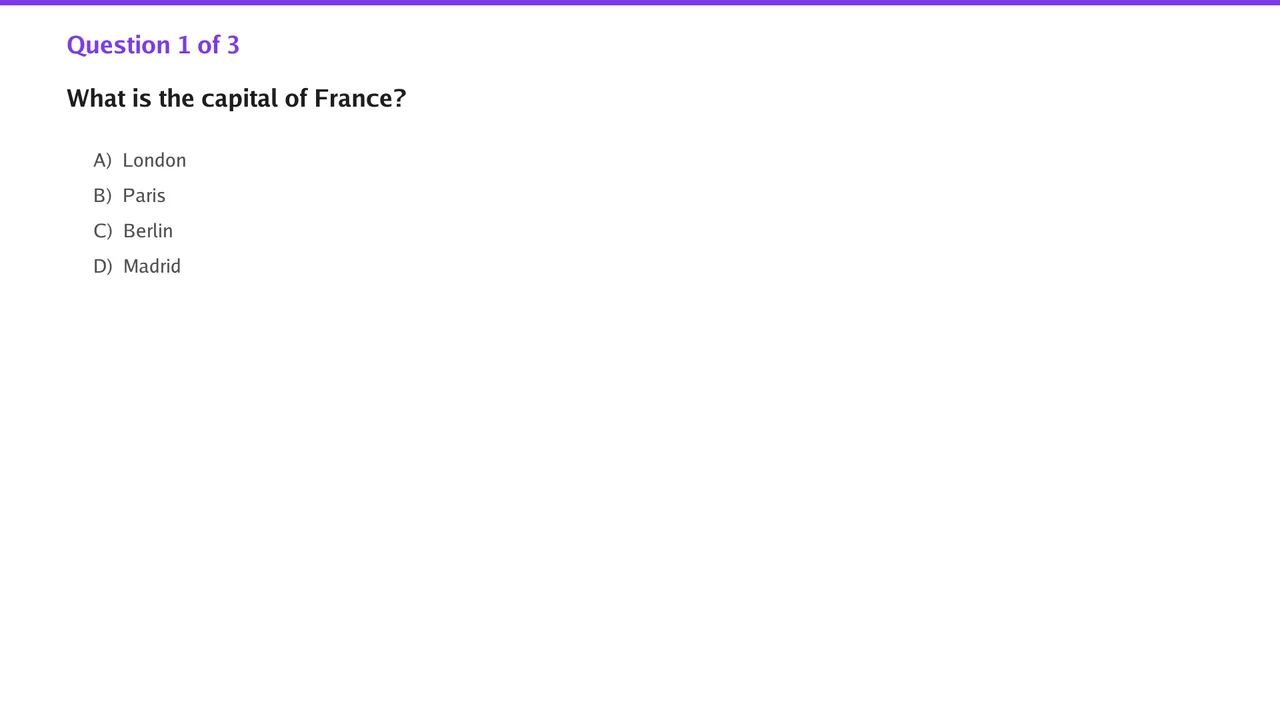
A question slide made by Indifferent: Question 1 of 3, What is the capital of France? Options A London, B Paris, C Berlin, D Madrid.

Real output from the quiz video tool: each question is a question slide, then an answer slide.

Scenes per story
2 to 10
Video length
Up to 90 seconds
Output
1080×1920 MP4
Price
Free during beta

A written story, turned into a narrated video.

Paste a short story. A language model breaks it into scenes, writes the narration and searches for a matching photo or clip for each one. You review every scene, swap any picture, then render the video.

See how story to video worksMaking a quiz video instead? See the file format
  • A story of 30 to 5000 characters, planned into 2 to 10 scenes
  • Stock photos and clips from Pexels and Pixabay, yours to swap
  • Narration by Amazon Polly in the story's own language
  • You confirm every scene and picture before anything renders
Output
1080×1920 MP4
Length
Up to 90 seconds
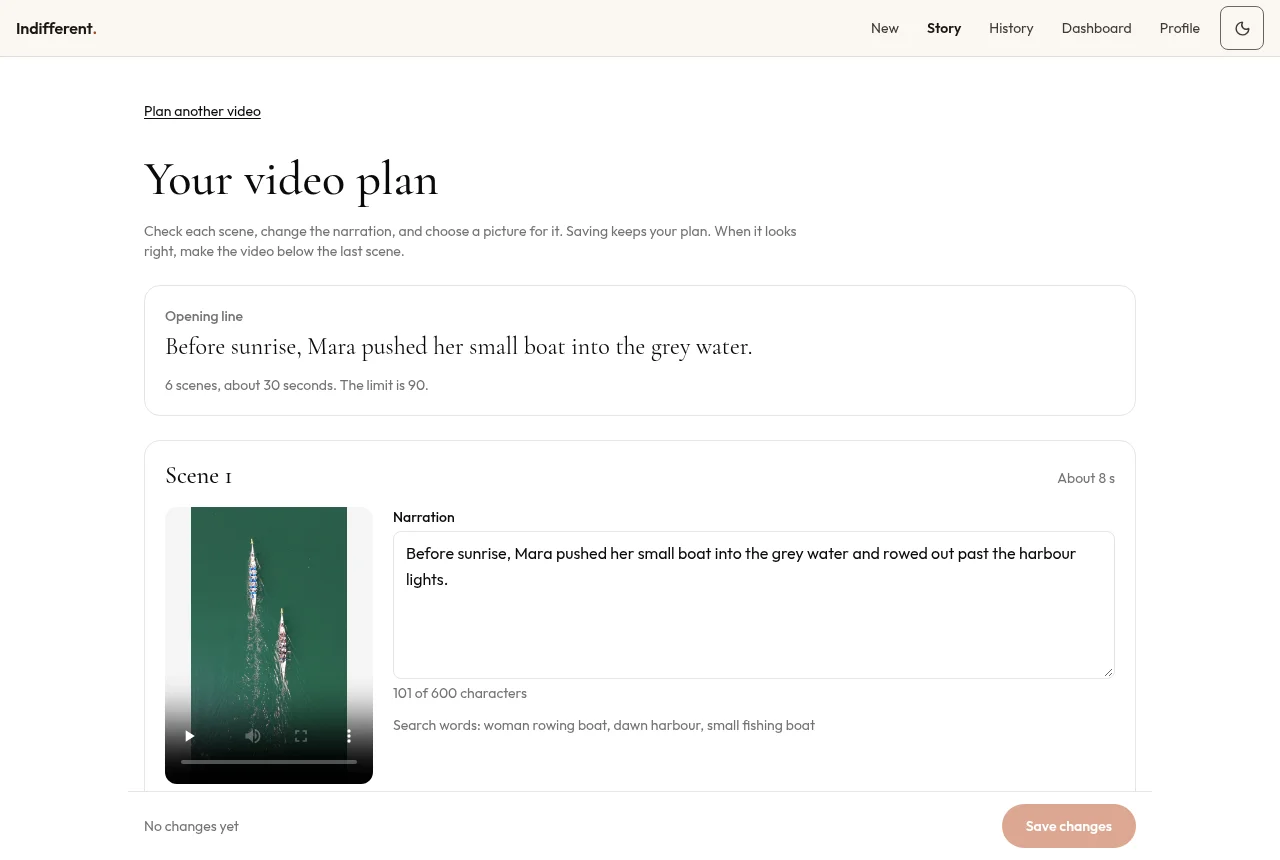
The Story editor in Indifferent: a video plan with its opening line, the first of six scenes, a stock clip of two rowing boats, and the narration text ready to edit.
The Story editor, with a plan made from a short sample story. Each scene has a stock clip you can replace and narration you can edit.

Quiz videos start as a plain text file.

No special editor, no spreadsheet, no formatting to clean up. Number the questions, list the options, and mark the answer. Numbering, bulleted options and tab-indented answers are all detected.

The answer can be marked on its own line, or on the option itself with a trailing *.

  • Up to 5 MB, plain text only
  • Multiple correct answers supported
  • One question per slide, with an answer reveal
1. What is the capital of France?
A. London
B. Paris
C. Berlin
D. Madrid
Answer: B

2. Which planet is known as the Red Planet?
A. Venus
B. Jupiter
C. Mars
D. Saturn
Answer: C

Two more tools in the studio.

One turns a long video into clips, and the other watermarks a file without ever touching a server.

AI Shorts generator: a long video, cut into ranked vertical clips.

Drop in a podcast, an interview or a lecture. It is transcribed word by word, a language model picks the strongest moments from the transcript, and the top ones are rendered as 9:16 clips with captions burned in.

  • Video or audio in: MP4, MOV, MP3, WAV, 30 seconds to 1 hour
  • Up to 3 clips per upload, 30 to 90 seconds each, ranked by score
  • Face detection centers the 9:16 window on the speaker
  • Blur-fill keeps text cards and screen recordings whole
  • Burned-in captions, with an optional animated style
Output
1080×1920 MP4
Codec
H.264 + AAC, 30fps
Open the Shorts generator

Watermark tool: your mark on any image or video, in your browser.

Stamp a text or logo watermark, drag it where you want it, and export. The file never leaves your device, so there is no upload and no account.

  • Text in 10 typefaces, or your own logo image
  • Size, opacity, colour and rotation, all adjustable
  • Crop guides for 16:9, 9:16 and 1:1 on the preview
  • Images out at full resolution as PNG or JPEG
  • Video out as MP4, rendered on your own machine
Accepts
JPG, PNG, WebP, MP4, WebM, MOV
Uploads
Nothing, ever
Open the watermark tool

A worked example

From a text file to a narrated video

One real file, turned into the slides your video is made of.

1 · Your file

Plain text

1. What is the capital of France?
a) London
b) Paris
c) Berlin
d) Madrid
Answer: b

A numbered question, lettered options and an Answer line.

2 · What the parser reads

Question, options, answer

  • Question1. What is the capital of France?
  • Optionsa to d, four in total
  • Answerb, Paris

Numbering, options and answer keys are detected when you upload.

3 · The question slide

Question first

Question slide made by Indifferent from the sample file: Question 1 of 3, What is the capital of France? Options A London, B Paris, C Berlin, D Madrid.

Shown on screen while the narrator reads the question aloud.

4 · The answer slide

Then the answer

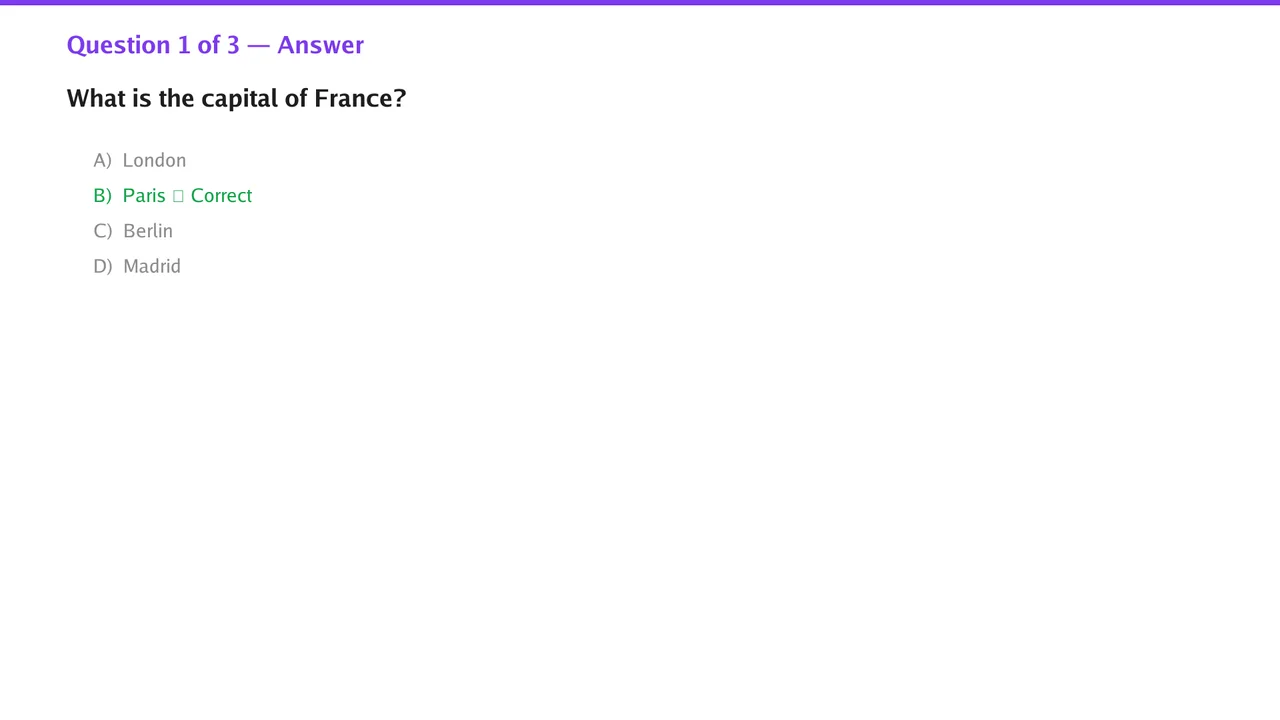
Answer slide made by Indifferent from the sample file: option B, Paris, is shown in green as the correct answer.

The correct option turns green and the narrator reads the answer.

5 · The video

One MP4

  • Each question: question slide, then answer slide
  • Both narrated in the voice you pick
  • Joined into a single 1080p MP4

Download it, watermark it if you like, and post it.

6 · The voices

Five narrators

  • JoannaUS English
  • MatthewUS English
  • AmyBritish English
  • BrianBritish English
  • AditiIndian English

Your turn

Try it with your own file

Sign in, upload a TXT file, and pick a voice.

Loading the example
Read the format guide

How a quiz video works.

Three steps from a text file to a finished video.

  1. 01

    Upload

    Drop a TXT file. We detect numbering, options, and answer keys automatically. No formatting cleanup.

  2. 02

    Choose a voice

    Pick one of five AI narrators. Each question and each answer is read aloud in that voice.

  3. 03

    Render and download

    We render the MP4 for you. Download it, watermark it if you like, and post it to YouTube.

Before you upload.

What file do I need?

A plain text (.txt) file containing your multiple-choice questions. Number each question, list the options, and mark the answer. Numbered, bulleted and tab-indented formats are all detected, so you do not have to clean up your formatting first.

How large can the file be?

Up to 5 MB, which is enough for several hundred questions. The video length follows from how many questions you write.

Which voices can I use?

Five, all real Amazon Polly voices: Joanna (US English, clear and professional), Matthew (US English, warm and authoritative), Amy (British English, polished), Brian (British English, natural) and Aditi (Indian English, approachable).

How long does rendering take?

A short quiz usually renders in a few minutes, and a longer one takes longer. The project page shows the live stage, so you can leave it open and come back.

Is Indifferent free?

Yes, Indifferent is free during the beta. No credit card or paid plan is required. Each account has daily and hourly usage limits to help keep the service available for everyone. You can see the current limits on our Pricing page.

See the current limits

Is my question file uploaded?

Yes, the text file has to reach the server to be parsed and narrated, and it is stored with your project so you can re-render it. The privacy page explains exactly what is kept and for how long. The watermark tool is the opposite: it never uploads anything.

Can I use the video commercially?

You keep ownership of the videos you generate. You are responsible for having the rights to the questions you upload, and the narration is produced by Amazon Polly, so the AWS terms apply to it too. The terms page covers the details.

What happens to my file afterwards?

Your project and its text file stay in your account so you can re-render with a different voice or design, and you can delete them at any time from the project page.

Read the journal.

Guides to the tools: how AI clipping works, how to format a quiz file, how to watermark in your browser, and which video format to export. There is no email list. New articles show up in the journal and in an RSS feed.

Open the journalRSS feed

Who runs this.

Indifferent is built and maintained by one developer. It is in beta, free to use, and there is no sales team behind it. If something breaks, you can reach the person who wrote it.

support@indifferent.fun